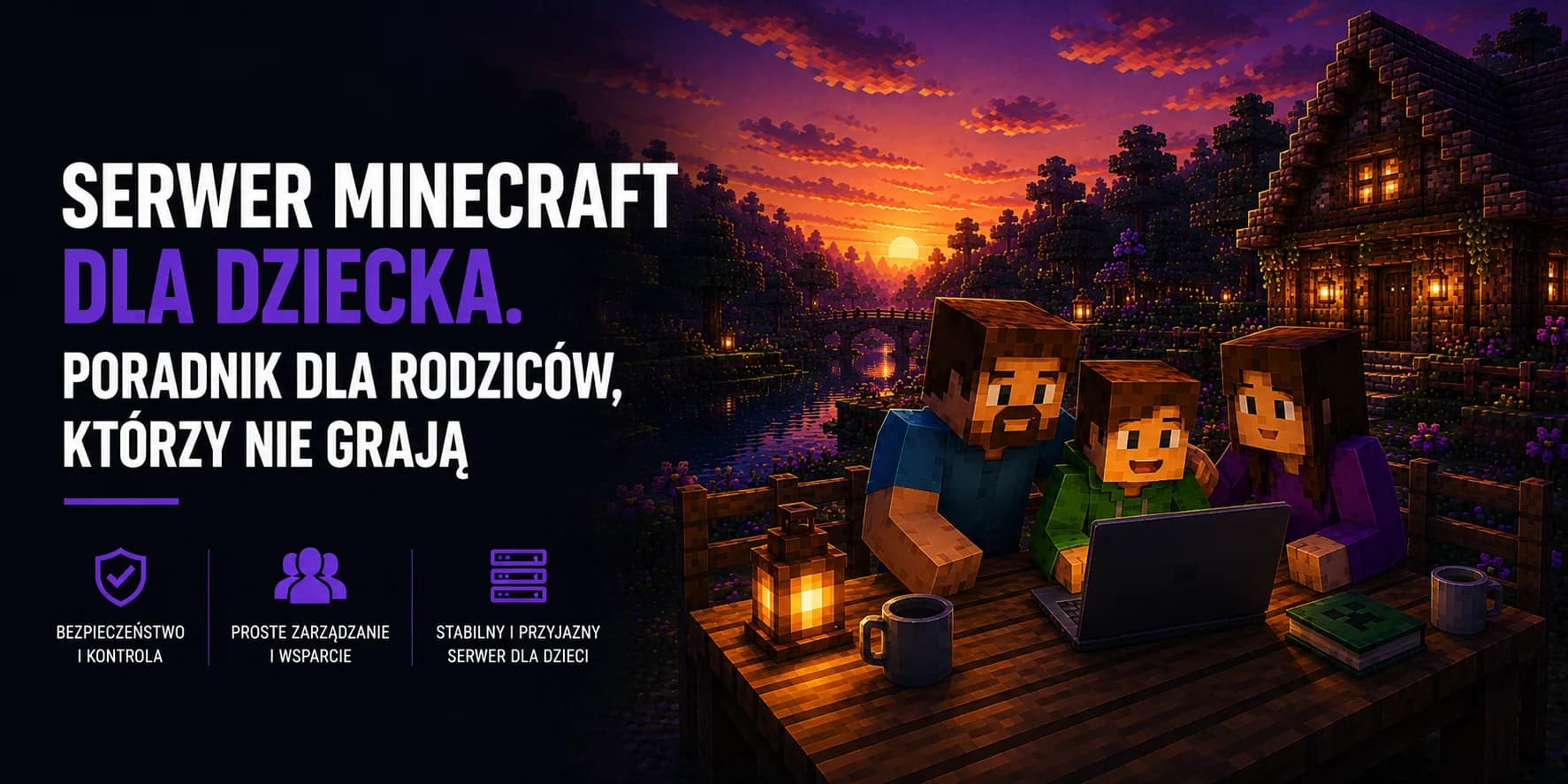
A Minecraft server for your child: a guide for parents who do not play
Your child has been repeating for weeks that they need their own server, and you are not sure whether this is money spent on a single afternoon or on something that actually makes sense. On top of that come the questions nobody explains in the adverts: what it really costs, whether you have to be technical, who will be able to join and whether any of it is safe. This guide is written for a parent, not for an IT specialist. No jargon, but enough detail that you will know what you are buying and what to watch out for.
What a child actually wants when they ask for a server
Minecraft can be set up so that friends join the host player's world. The catch is that such a world only exists while the host computer is switched on and the game is running. The moment your child leaves for school, the rest of the group loses access to the build they share. Add to that fiddling with router settings so their friends can connect at all.
A server of your own solves exactly that problem. It is a computer sitting in a data centre that holds the game world and runs regardless of whether anyone at home has their machine on. Your child gets an address, passes it to their friends, and they join whenever it suits them. The world is single, shared and always in the same place.
- No computer has to stay on at home. The server runs on its own, including while your child is doing homework or sleeping.
- Nothing changes in your home router. No opening ports, no hunting for an IP address in the settings.
- Progress does not disappear. The shared build lives in one place and does not depend on who happens to be online.
- It is a closed space. Only the people you give the address to can join, and with the right setting, only those on a list.
A private server versus public servers, the difference that matters
This distinction is worth understanding before you buy, because most parental worries are really about public servers rather than private ones. A public server is a place a few hundred strangers walk into, with an open chat for everyone and usually a shop selling ranks for real money. A private server is a closed room for your child and their friends.
| Situation | Large public server | Your own server |
|---|---|---|
| Who can join | Anyone who knows the address, including adult strangers | Only the people on a list you decide on |
| Chat | Open, moderated by administrators you do not know | Seen only by the friends who were invited |
| In-game purchases | Ranks, crates and extras tempting a child with real money | They do not exist, you pay a fixed subscription only |
| The rules | Set by a stranger and liable to change overnight | Set at home, together with your child |
| Contact with strangers | Daily and hard to predict | Only when somebody is deliberately invited |
An argument, not an advert
What it costs and what makes up the bill
A server works on a subscription basis: you pay monthly for keeping the machine running, much like a streaming service. A package that comfortably carries your child and a handful of friends costs about as much as a single takeaway pizza. There is no setup fee and no yearly contract. Ending it simply means not renewing the next month.
| Item | Do you pay for it | Notes |
|---|---|---|
| The Minecraft game | Once, separately | Bought from the game publisher, not from the host. Every player needs their own copy. |
| The server (hosting) | Monthly subscription | One fee for the whole server, no matter how many people play on it. |
| The server address | Included | A free subdomain, an address to hand to friends instead of a string of digits. |
| Your own domain | Optional | Only if you want a nicer address. Entirely optional. |
| Add-ons and modifications | Usually free | Most popular Minecraft add-ons cost nothing. |
| Backups | Included | Made with a single click in the panel. |
The one question to ask before you buy
Before ordering anything, make sure which edition of the game your child plays. Minecraft exists in two flavours that do not simply connect to each other, and that is the most common source of confusion on a first purchase.
- Java Edition is the computer version bought from the game publisher's website. It has the widest choice of add-ons and most servers run on it.
- Bedrock Edition is the version from a console, a phone or the Microsoft store on Windows. It is more convenient across devices but plays by different rules when connecting to a server.
Just ask your child what they play on and where the game came from. If they play on a computer and launch it through a launcher downloaded from the publisher, it is almost certainly Java. If it is a console, a phone or an app from the Microsoft store, it is Bedrock. It is also worth establishing what their friends play, because everyone has to be on the same side.
Ask before you pay
Choosing a package without overpaying
Packages differ mainly in the amount of memory, which is what decides how much the server can handle at once. What matters is mostly the number of players and whether the children want to play the plain game or a modpack. Modifications can multiply the requirements several times over.
| How your child wants to play | How many people | Our package |
|---|---|---|
| The plain game, building together | 2 to 5 friends | Slime |
| The plain game with plugins | up to 10 people | Slime or Spider |
| A light modpack | 3 to 8 people | Creeper |
| A large modpack from the videos | 3 to 6 people | Skeleton |
If your child mentions a specific modpack, ask for its name. The people behind such packs usually publish recommended requirements, and hosting support will help match a package to them. We covered picking memory in more depth in a separate guide on how much RAM a Minecraft server needs.
What buying one looks like, step by step
The whole procedure takes a few minutes and requires no technical knowledge, with nothing installed on the family computer. The one thing that sets it apart from ordinary online shopping is the wallet: you fund the balance on your account first, and the server is paid for out of it.
- 1
You create an account
Registration with an ordinary email address. The account should be registered to you rather than to your child, because the payments stay attached to it and you are the one responsible for the service. - 2
You pick a package
You click the package matching the number of players. If you are torn between two, take the smaller one, because moving up to a larger one takes a moment. - 3
You top up your wallet
The payment does not go straight towards the server; it adds to the balance on your account. You top the wallet up with an amount of your choosing by bank transfer, BLIK, card, PayPal or a paysafecard code, and the service and the months that follow are paid out of that balance. - 4
You buy the server
In the order form you pick the Minecraft version, the server type and the basic settings, and the subscription amount comes off the wallet. This is the moment to have your child nearby, since they usually know what they play and what they need. - 5
The server installs within minutes
The installation starts automatically the moment you buy, and the finished server starts up on its own. Nothing needs switching on or configuring before your child can join. - 6
You pass the address to your child
The panel shows the server address, which is the free subdomain. Your child types it into the multiplayer tab in the game and that is it. - 7
You set the list of people allowed in
Before the address goes out to friends, turn on the list of permitted players. Nobody outside it will get in, even if the address leaks somewhere.
The wallet works in your favour
What you get and what you genuinely do not need to know
The most common parental worry sounds like this: I do not understand any of it, so I will probably break something. In practice the server is managed through an ordinary web page, and most of it comes down to clicking buttons.
- A panel in the browser. Starting and stopping the server, changing the game version, seeing who is online. All from a web page.
- Backups with a single click. Before your child starts experimenting, you make a copy. If something goes wrong, you go back to the earlier state of the world.
- Protection against DDoS attacks. A safeguard against attempts to knock the server offline, which happen even to small servers after a falling-out in game.
- A ready address and a free subdomain. You do not have to buy a domain or hunt for an IP address.
- SFTP access for the ambitious. If your child wants to dig into the files themselves, the option is there, but nothing forces you into it.
Rules worth agreeing on from day one
A server is an opening for a conversation that is hard to start over ordinary gaming. A few agreements at the outset save arguments later, and along the way they teach a child that a shared space needs looking after.
| The agreement | Why it matters |
|---|---|
| Who may receive the address | An address posted in an open chat or a comment reaches complete strangers. |
| Who holds administrator rights | Somebody with those rights can change anything, including deleting builds that are not theirs. At the start it is better for one child to hold them. |
| What happens when someone spoils the fun | Removing a player takes one click. It helps to agree in advance when that is used. |
| When backups are made | Before every larger change and every so often anyway. It is what saves weeks of building. |
| How much time per day | The server runs constantly, so the temptation is greater than with ordinary play. Set the limits calmly, before a conflict appears. |
The allowed-players list is the single most important setting
What to watch out for when choosing a provider
The hosting market is full of offers aimed straight at teenagers and not all of them are honest. A few warning signs worth knowing.
- A server sold by a private person over chat. No invoice, no contract and often no server a week later. Buy from a company with published terms and contact details.
- Payment in an odd form. A request for a transfer to a personal account, a top-up code or payment in items from another game is a clear signal to walk away.
- Free hosting promising no limits. It usually puts the server to sleep when nobody plays and deletes the world after a few days of inactivity. Fine for first tests, disappointing over time.
- No way to reach a consultant. With a first server there will be questions, so check whether there is anyone to ask.
- Promises with nothing behind them. Unlimited memory or unlimited disk space do not exist, because hardware has its limits. The number of players is a different matter: no fixed slot limit is perfectly normal, because what caps it there is the performance of the package you bought rather than a line in the price list.
Is it worth it at all
From a parent point of view the interesting part is what happens alongside the game itself. A child with their own server soon stops being only a player and starts learning things that a public server never teaches, because there everything has already been set up by somebody else.
Suddenly there are four friends wanting four different things to reconcile, and a reason to find out what a backup is actually for. Then come the big builds that cannot be finished in one afternoon, so something resembling a plan appears. All of it happens in the evening over a voice call with friends from school rather than with a random crowd.
Not every child takes to it. Some will simply build and never open the settings, which is fine as well. But the cost of one pizza a month buys the chance that they will.
Quick FAQ
Does a computer at home have to be on for the server to work?
No. The server sits in a data centre and runs independently of your hardware. The friends of your child can play even when nobody at home is at a computer.
Does every player need to own the game?
Yes. The server is only the meeting place; the game remains a separate purchase for each player. Hosting neither sells nor replaces a Minecraft licence.
Can I limit who joins the server?
Yes, and it is worth doing straight away. Turning on the allowed-players list means only people added by name can join and everybody else is refused.
What happens if we give up after a month?
You simply do not renew the next period. There is no yearly contract and no penalty for leaving. One thing genuinely matters here: after seven days an unpaid server is deleted in full, together with the backups kept in the panel. A backup protects you from a mishap in game, then, but not from the service expiring. If your child is to keep what they built, the world has to be downloaded to your own disk within those seven days.
Will my child manage this on their own?
Usually yes, and faster than an adult would. The panel is simple and there is no shortage of material online. A good split is the one where the parent keeps the account and the payments while the child runs the server day to day.
What if your child gets bored of the world after a few months?
There is no need to buy a second server. On the same one, as long as it stays paid for, you can upload a new world, change the game version or install a modpack from the ready installer in the panel. Download the previous world to your own disk beforehand so you can go back to it. In practice one server goes through several completely different kinds of play over a year.
See exactly what is included in the price
A server ready in minutes, with no changes to your home router and no need to keep a computer switched on. A browser panel, one click backups, protection against DDoS attacks and a free address to hand to friends.