How much RAM does a Minecraft server need? A table by players and mods
The question comes back every time somebody stares at a list of packages and tries to guess whether four gigabytes is a lot or laughably little. The answer is: it depends, and not in an evasive way, but because a server for five friends on the plain game and a server running a hundred mod modpack are two completely different worlds. Below we break it down into concrete numbers, show what really drives memory usage, and explain why piling on more gigabytes rarely fixes lag.
The short answer, if you have no time for the whole thing
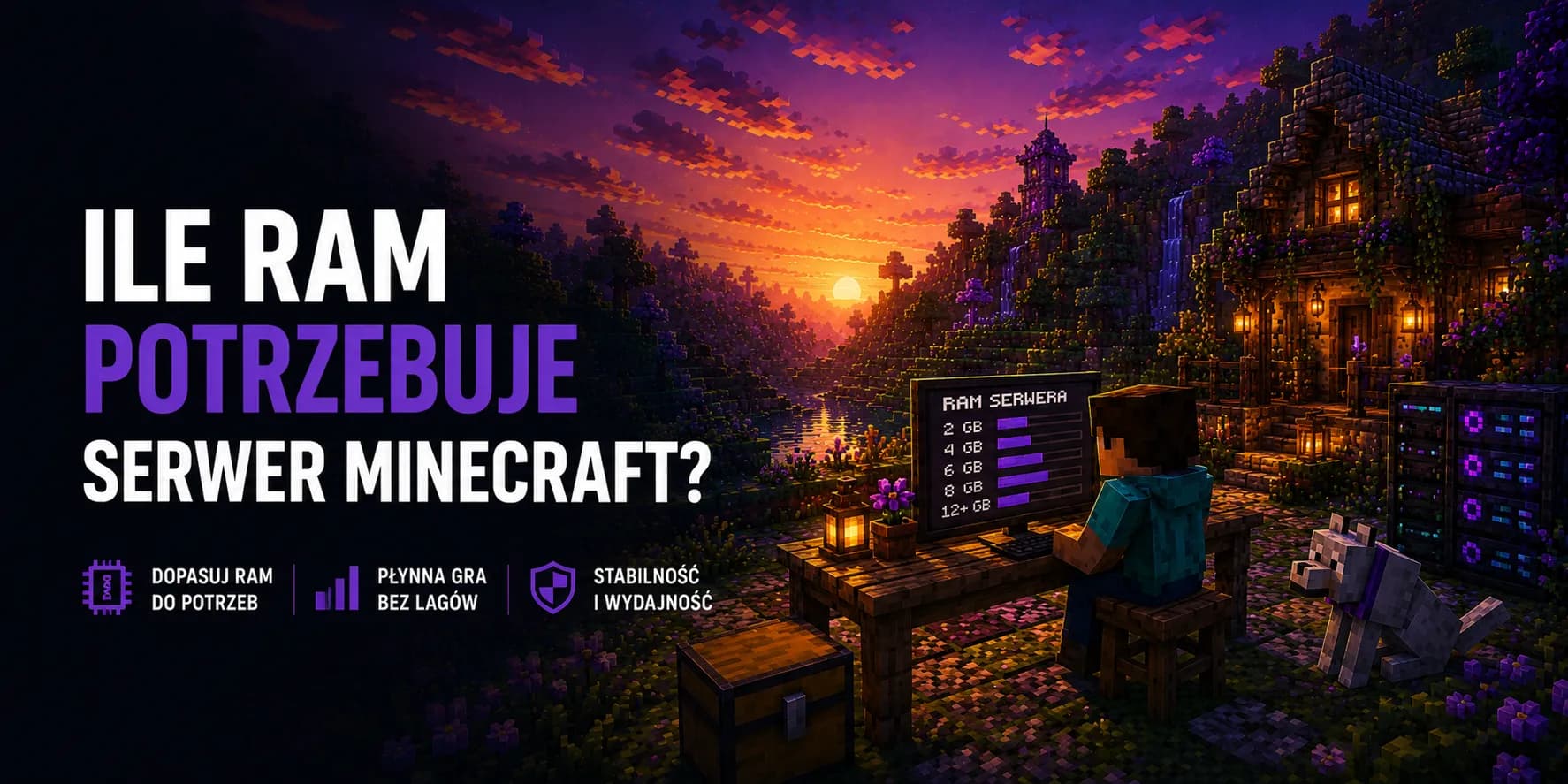
If you are after a ready number and simply want to pick a package, the table below settles it. These are values that hold up in practice, with room to spare for the fact that a server gathers plugins, builds and players over time.
| Type of server | Players | Recommended RAM | Package with us |
|---|---|---|---|
| Plain game or Paper | 2 to 5 | 4 GB | Cow |
| Paper with plugins | 10 to 20 | 6 GB | Slime |
| Server with economy and minigames | 20 to 40 | 8 GB | Spider |
| Mid sized modpack | 5 to 15 | 10 GB | Creeper |
| Large modpack or a network | 20 and up | 16 GB | Skeleton |
| Big public project | 50 and up | 25 GB and above | Guardian |
Do not overpay at the start
What really drives memory usage
Contrary to appearances, the player count is only one ingredient here and by no means the most important one. A Minecraft server mainly holds in memory whatever it has to simulate at a given moment: the loaded pieces of the world, every creature and item inside them, and the data of every installed add on. Players affect that indirectly, because each of them drags along their own chunk of the map and forces the server to keep it in memory. That is why five people scattered across four different dimensions load the server more than fifteen people standing together at spawn.
The second factor is what you actually run on the server. A dozen or so typical plugins for land claims, chat and economy weigh very little. A modpack adding several hundred new blocks, machines and recipes is another story entirely, because all of that content lands in memory at startup, before anyone even connects. The third factor is the size and age of the world itself, especially if the map is heavily built up and full of working contraptions.
- View distance set in the server configuration is the most underrated dial of them all. Every increase multiplies the number of world chunks the server has to hold for each player separately.
- Mods and modpacks can push usage several times higher no matter how many players are online. Merely starting such a server already eats a solid share of the available memory.
- Farms and contraptions with thousands of items and creatures in one spot load the server out of all proportion to their size on the map.
- Extra dimensions and arenas created by minigame plugins behave like separate worlds, each with its own appetite for memory.
The plain game and Paper, the lightest option
A server with no add ons is surprisingly modest. For a handful of people playing together, four gigabytes gives comfort and a decent reserve, and with two or three players you can safely go lower. It is worth remembering, though, that recent releases of the game are heavier than those from years ago. Guides from the days when a server ran on a single gigabyte have long gone stale and are best not treated as a reference point.
Paper and related server builds do not eat noticeably more than the plain game, and they make better use of whatever they get. If you are planning anything more serious than a weekend of messing about, you will end up on Paper sooner or later anyway, so you may as well start there.
Plugins eat less than everyone assumes
There is a belief going around that every plugin added means another gigabyte. In practice twenty typical plugins can fit into a few hundred megabytes, because most of them are just a set of commands and rules rather than new game content. Six gigabytes will comfortably run a survival server with land protection, an economy, ranks and a few convenience add ons.
There are exceptions, of course, and they are worth knowing, because they are usually the ones that upset your plans. Add ons that draw a map of the world in a browser can load the server very heavily during their first scan. Mass terrain editing works the same way, when a single command moves or copies a gigantic area. Those are short lived spikes, but if memory is tight, that is exactly when the server tends to fall over.
One heavy add on changes the whole calculation
Modpacks are a different league entirely
This is where all the earlier numbers stop applying. A modpack loads hundreds of new blocks, items, recipes and mechanics, and all of it has to sit in memory before the first player even connects. Even a small set of mods for a few people only starts breathing properly at eight gigabytes, while large packs with hundreds of entries on the list want ten, twelve or more.
| Pack size | Rough scale | Recommended RAM |
|---|---|---|
| Light | A few dozen mods, mostly tweaks and decoration | 6 to 8 GB |
| Medium | A hundred and something mods, machines and automation | 8 to 10 GB |
| Large | Several hundred mods, elaborate systems and dimensions | 12 to 16 GB |
| Very large | The biggest packs with their own quests and worlds | 16 GB and up |
On top of that comes something easy to forget. A modpack loads not only memory but also the processor, because every machine, conveyor and generator is counted every single second the server runs. That is why packs of mods call for packages that are stronger in both dimensions at once, not just a bigger memory allowance.
Why more memory does not cure lag
This is the most common misunderstanding in the whole subject. People see stutters, add memory, nothing changes, and they conclude the hosting is poor. Meanwhile a Minecraft server does most of its work in one main thread that recalculates the state of the world over and over. If that thread cannot keep up within its allotted time, the pace of the game drops and delays appear. Pouring in memory does not speed that up one bit, because the problem lies elsewhere.
Memory helps when there is genuinely not enough of it. A server running short spends more and more time clearing out unused data, which shows up as regular hitches every few dozen seconds. If, on the other hand, the server is slow evenly and all the time, the culprit is more likely the processor, an overloaded farm or a badly written add on.
| What you see | Likely cause | What to do about it |
|---|---|---|
| Hitches every few dozen seconds, then smooth again | Too little memory, the server keeps tidying it up | Raise the memory allowance by one level |
| Constant slowdown throughout the session | The processor cannot keep up with simulating the world | A stronger package, a lower view distance |
| Stutters only when exploring new terrain | World generation happening on the fly | Generating the map in advance |
| Spikes in one specific place on the map | An overloaded farm or contraption | Capping the number of creatures and items |
| High ping while the game pace is fine | Distance to the server or the player connection | A server nearby, checking the player link |
Too much memory can be a problem too
How to check whether memory is really the issue
Rather than guessing, it is worth looking at the data. All the information you need is at hand, you just have to know where to look and what those numbers mean.
- 1
Look at the usage graph in the panel
The panel shows live how much memory the server takes. What matters is not the momentary value but the shape over several days. If the graph regularly hits the ceiling and drops straight back, that is the classic sign of an allowance that is too tight. - 2
Check the pace the server runs at
The command showing the number of cycles per second tells you whether the server keeps up with the simulation. A value near the maximum means all is well, a clearly lower one means something is choking it. Check during peak hours, not at three in the morning. - 3
Run a performance measurement
Diagnostic tools available for Paper and similar builds produce a report showing exactly what is eating the server time. They usually name the culprit outright, be it a single add on or one particular farm. - 4
Match the results against the player count
Compare the load with attendance. If the server copes with ten people but falls apart at fifteen, you know the threshold and how far you need to raise the package before the next wave of players.
Settings that cut usage without spending a penny
Before you move to a higher package, try a few changes in the configuration. They often give you more than two extra gigabytes would, because they hit the source of the problem rather than its symptom.
- Lower
view-distancein theserver.propertiesfile. Going from twelve down to eight can be unnoticeable for players while taking a huge number of world chunks off the server. - Set
simulation-distancelower than the view distance. Players still see far, but the server only simulates what is close to them. - Cap creature limits in the server configuration, especially if several large farms are running on the map.
- Generate the map in advance instead of letting it appear on the fly when players head out on an expedition.
- Go through your add on list and drop the ones nobody uses. Each of them costs something, even sitting idle.
- Set up automatic clearing of dropped items if thousands of them pile up on the server.
Default values are not optimal
How much memory reaches the game and how much goes elsewhere
It is worth knowing that not all the allocated memory goes to the world and the players. Java needs its own share for internal structures, threads and network buffers, so part of the allowance disappears before the server even starts. That is why, when cutting it fine, you always leave a margin instead of assuming every gigabyte reaches the game.
With us you do not have to worry about it in practice, because the allowance from the package is what your server has at its disposal, and the panel shows real usage right away. That awareness does come in handy, though, when you compare offers or read guides written for a server set up by hand on your own machine.
Quick FAQ
Is two gigabytes enough for a server for friends?
On the plain game with two or three people, yes, the server will start and keep running. The trouble is that no reserve is left, so the first bigger plugin or a longer trip into new terrain can choke it. Four gigabytes is the point where you stop having to think about it.
How much memory does a server for a hundred players need?
At that scale memory alone stops being the main question. Realistically we are talking about sixteen to twenty five gigabytes, but a strongly clocked processor and a sensibly set view distance matter just as much. Large public servers usually split the traffic across several smaller instances rather than pushing everything onto one.
Can I increase the memory later, once the server grows?
Yes, and that is the most sensible route. Moving up to a higher package does not require transferring the world or configuring anything from scratch. Everything stays put and the server simply gets more resources, so you can start lower and grow along with the community.
Will a bigger memory allowance improve player ping?
No, those are two completely different things. Ping depends on the distance to the server and the quality of the connection along the way, not on how much memory the machine has. For latency, a server located close to your players does far more than extra gigabytes in the package.
Does the mobile and console edition need just as much?
Usually less, because that flavour of the game is written differently and manages memory more sparingly than a Java server. The principle stays the same: what counts is what you run on it and how big a slice of the world has to stay active.
Match the memory to your server
Packages from 4 to 48 GB of memory on highly clocked AMD Ryzen processors, with protection against DDoS attacks and a panel where you see real usage on a graph. You start with what you need today and switch to a higher package once the server actually grows.