Minecraft 26.4 Snapshot 6: snow bricks, the cold sulfur cube and new memory defaults
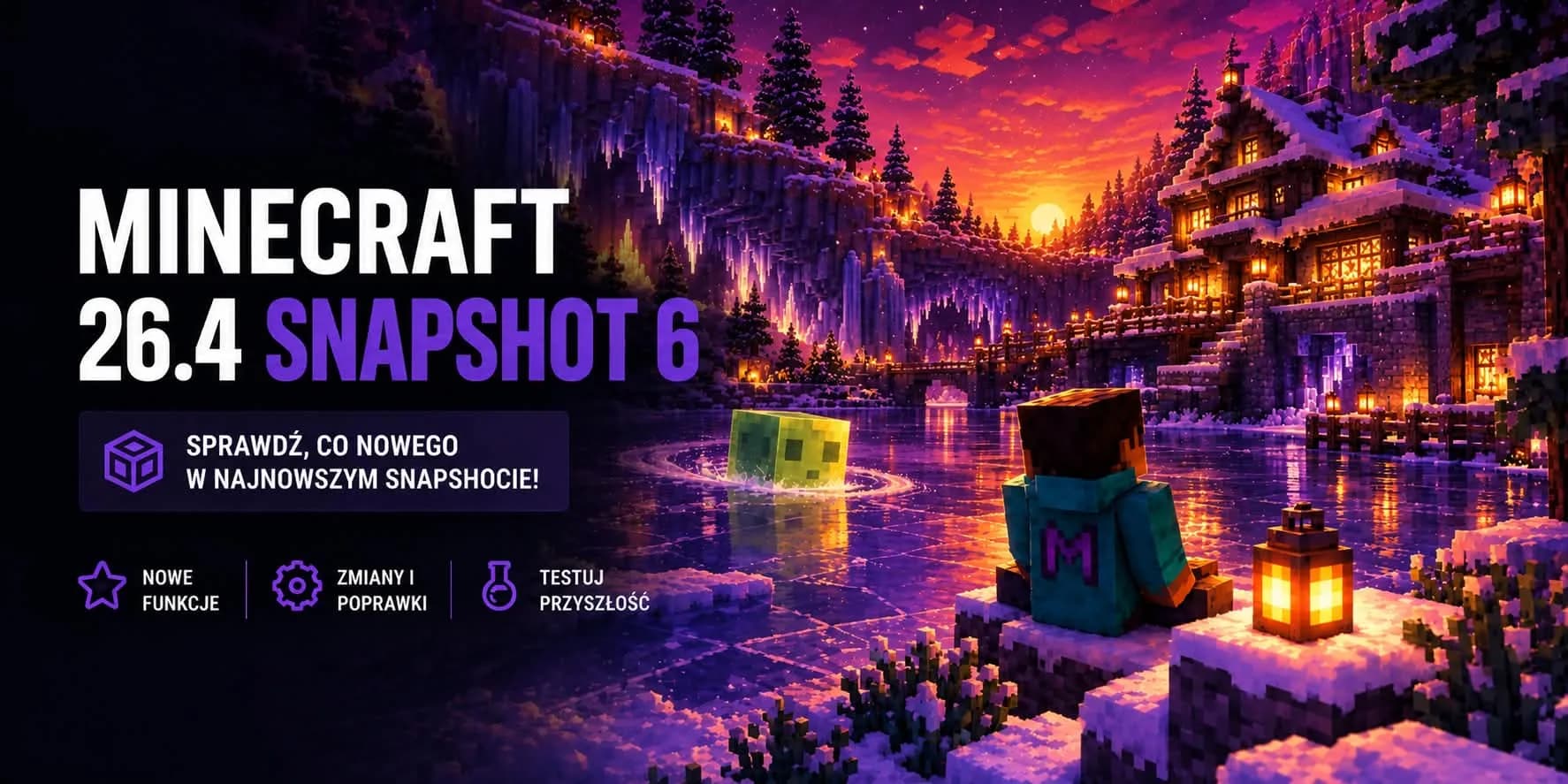
It is getting colder outside and Mojang is clearly in the same mood. On Tuesday 27 October 2026 the sixth snapshot of Minecraft 26.4 came out and once again it is all about ice. This time we get snow bricks for building and a new form of the sulfur cube that freezes the water underneath it. On top of that, the game now decides by itself how much memory it takes. We went through the whole list and picked out what matters to someone running a server.
Snow Bricks
Builders of winter maps finally have something more than a plain snow block. You make Snow Bricks from four snow blocks laid out in a 2x2 square. They come with slabs, stairs and a wall, so you can put up a whole building with them and not just one test wall.
Two things may catch you off guard. First, a Stonecutter will not make snow brick slabs, stairs or walls for you, so regular crafting it is. Second, a brick only drops itself when you mine it with a shovel. Break one by hand or with a pickaxe and you get nothing back.
Warn your players before they start demolishing
Mojang also adjusted other blocks from this update. Every variant of Packed Ice Bricks now needs a pickaxe to drop anything. Brittle ice no longer cracks under a Stray, and ice crystals sitting on packed ice now and then play quiet ambient sounds.
The Cold Sulfur Cube
We have known sulfur cubes since 26.2. Their best trick is that they absorb a block, and that block decides how they behave afterwards. Some slide, others bounce. Snapshot 6 adds a new form, the Cold Sulfur Cube. You get it when a cube absorbs blue ice.
This cube slides like the fast sliding form, but it also floats on water. While it moves, it turns the water below into a disk of frosted ice, much like boots with Frost Walker. There are two conditions. There has to be free air above the water, and the cube has to start its movement while standing on the ground. Snow bricks were also assigned to the fast sliding form, so a cube that absorbs one will start sliding.
On a server this is fun material to play with. You can build an obstacle course over water or a race where the cube itself freezes the track. Just do not be surprised by ice rings popping up on the pond at spawn if somebody lets one loose there.
The game picks its own memory. What does it change for a server?
This snapshot changes the default Java options the game starts with. Minecraft now sets its heap size based on how much memory the computer has. It takes up to 25% of the available RAM, but never more than 4 GB. On a computer with 8 GB you get 2 GB, and with 16 GB or more you stop at 4 GB.
You will feel it most in the game you launch on your own machine from the launcher. A hosted server starts with a memory limit set by its package, so nothing shrinks or grows on its own there. To keep things tidy, here it is in a table:
| Where the game runs | Who sets the memory | What it means in 26.4 |
|---|---|---|
| Your computer, the launcher | The game, using the new defaults | Up to 25% of the computer RAM, but no more than 4 GB |
| A world opened to friends from your computer | The same game you are playing | One allowance covers both your game and the world your guests are on |
| A hosted server | The package you picked | No change, the server gets as much memory as the package includes |
On a weaker laptop with 8 GB the game will get 2 GB and no more. Playing together on hardware like that easily leads to stutter, because one pool has to cover everything. How much memory a proper server needs is covered in detail in our guide on how much RAM a Minecraft server needs.
Technical changes in the packs
The format numbers went up again. If you have custom add-ons, you have something to check.
| Parameter | Value in Snapshot 6 | What to do about it |
|---|---|---|
| Data pack format | 125.1 | Bump the number in the datapack header. Otherwise the game will mark the pack as incompatible. |
| Resource pack format | 101.0 | The block/cube_top model was removed, so packs that refer to it need fixing. |
New things for datapack authors
Sulfur cube forms gained an optional location_based_effects field. Its entries look just like location based enchantment effects, and level based values always use level 1. In practice a custom form can, for example, change the blocks around it, a bit like Frost Walker does.
A few new tags were added as well. #swimmable lists the fluids players can swim in. #swimming and #flying mark entities the game treats as swimming or flying. #sulfur_cube_archetype/cold is the list of items that turn a cube into the cold form.
World generation
The new domain_warp density function shifts the coordinates another function is sampled from. That lets you bend terrain in ways that used to take a lot of workarounds. Mojang itself admits that offsets changing quickly can slow generation down a lot, so it is better not to overuse it. On a server that matters, because slower chunk generation means lag whenever players explore new land.
The gradient function now also accepts vertical anchors in the from_coordinate and to_coordinate fields, as long as the axis is y. Structure pool elements in turn got a corner_constraint field. The game samples a chosen density function at the corners of the element and only places it when enough corners fall inside a given range. Authors of custom builds get one more tool to keep their structures out of odd spots.
Fixes that matter to server owners
The list of fixed bugs has more than forty entries. Most of them concern interface text, but a few are directly about servers:
| Number | What the bug was about |
|---|---|
MC-312576 | Players could break brittle ice inside spawn protection. |
MC-312574 | Mobs destroyed brittle ice even with the mob_griefing rule turned off. |
MC-312579 | The game crashed when opening the inventory while a below name scoreboard objective was active. |
MC-312270 | Opening the inventory while spectating a mob crashed the game. |
MC-308361 | Small cubes that split off a bucketed sulfur cube could despawn. |
MC-312592 | Gravel blobs generated in a different order than before, which caused feature order cycle errors in datapacks. |
MC-312783 | Consumable and equippable items lost their default sounds after a world upgrade. |
MC-312804 | Some villager trades still differed from version 1.21.11. |
The first two are a classic server problem. Spawn is meant to be a place nobody can damage, and the mob_griefing rule is meant to protect builds from mobs. Brittle ice slipped past both, so on a server with an icy spawn someone could open a hole right under new players. The third fix will please anyone who shows health or stats under player names, because with that setup opening the inventory was enough to crash the game.
Update the server or wait?
The answer is the same as with every snapshot. Keep your main server on stable 26.3. Pack formats change almost every week, Paper and other engines are still catching up, and most plugins have no 26.4 builds yet. A world saved on a snapshot usually cannot be moved back to an older version either.
- Test the snapshot on a copy of the world on your own computer or on a separate test server, never on the main one.
- If you write datapacks, now is a good time to try domain_warp and corner_constraint before they reach the full release.
- Visit the pages of your plugins and check whether the authors announce 26.4 versions. It will come in handy on launch day.
Back up before you launch anything
How to test Snapshot 6 on a copy of your world
One server runs one game version, so you cannot launch a snapshot next to your main world. The simplest way is to try it on a copy of the world on your own computer. Your main server keeps running 26.3 the whole time and none of your players will feel a thing.
- 1
Make a backup
Open the panel and save the current world together with its configuration. That is your way back if anything goes wrong. - 2
Download the world to your computer
Grab the world folder from the panel or over SFTP. You work on a copy, so the original on the server stays untouched. - 3
Enable snapshots in the launcher
In the Minecraft Launcher open the Installations tab, tick the snapshots option and create a 26.4 Snapshot 6 installation with its own game folder, so it does not mix with your regular worlds. - 4
Load the copy and bump the pack formats
Put the world into the saves folder of the new installation and open it in single player. If you have custom datapacks, change their headers to 125.1, and resource packs to 101.0. - 5
Build something out of snow bricks
Gather some snowballs, turn them into snow blocks, then into bricks, and see how they fit your building style. While you are at it, feed a sulfur cube some blue ice and let it loose on the water. - 6
Write down what needs fixing
Note which datapacks and resource packs need changes. When 26.4 comes out as a stable release, you will know where to start.
You cannot test plugins this way, because they only run on engines like Paper, and those usually do not release snapshot builds. If you want to play the snapshot together with your crew, set up a separate test server for it. Your main one then stays on the stable version.
Just starting out with servers?
Move to Minecraft 26.4 without risking your world
When 26.4 comes out as a stable release, you change the game version in the panel within seconds. Make a one-click backup first, while Anti-DDoS protection guards the server the whole time.