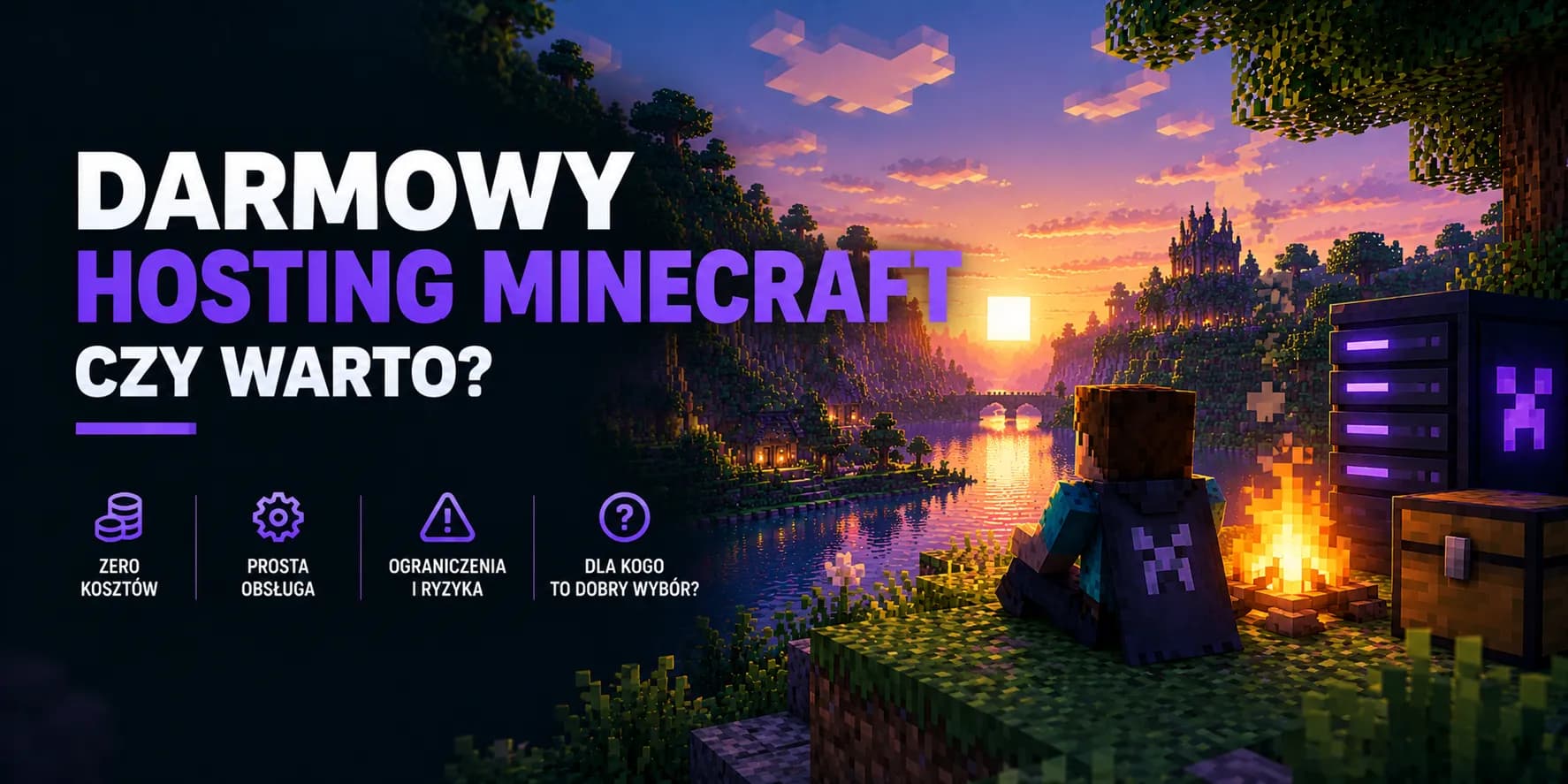
Free Minecraft hosting: is it worth it?
Anyone who has ever typed “Minecraft hosting” into a search engine has run into the word “free” first. It sounds great, because why pay for something you can have without spending a penny. A free server can actually be a good first step, to see whether playing with friends catches on at all. The trouble starts later, when the world grows and limits nobody mentioned at the start begin to get in the way. In this guide we take free hosting apart piece by piece and say honestly when it is enough and when it is better to spend a few złoty straight away.
Where a free server actually comes from
A Minecraft server is a real computer in a data centre. It uses electricity, takes up space in a rack and somebody has to look after it. Since nobody pays for it directly, the costs have to be covered some other way. Free services do this in a few ways, and they are worth knowing, because every later limitation follows from them.
- Adverts. The panel is covered in them, and sometimes you have to watch an advert or wait a while before the server starts at all.
- Packing many servers onto one machine. A single computer handles hundreds of free servers at once. That only works if most of them are switched off at any given moment.
- Paid extras. The free tier is cut down on purpose so that some users pay for more memory, no queue or a server that runs without breaks.
There is nothing dishonest about it. It is simply a business model where you pay with time, patience and convenience instead of money. It is good to know this before you set up a server, though, rather than after three weeks of building.
Free and paid Minecraft hosting in one table
The details vary from provider to provider, but the overall picture is similar everywhere. This is what a typical comparison looks like for someone who just wants to play with friends.
| Criterion | Free hosting | Paid hosting |
|---|---|---|
| Running 24/7 | The server shuts down when nobody plays | Runs all the time, at night too |
| Starting up | Often a queue and waiting for a free slot | Straight away, no queue |
| RAM | Small, enough for a few people | As much as you buy, with room to grow |
| Plugins and mods | Usually only from a list prepared by the service | Any files you upload yourself |
| File access | Limited or none | Full, through the panel and SFTP |
| Server address | A subdomain with the service name in it | A free subdomain or your own domain |
| Fate of an inactive world | May be deleted after a few days or weeks | Stays as long as the server is paid for |
| Technical help | A community forum or Discord | Contact with the hosting support team |
Limits you find out about after the fact
Most people start on a free server in a good mood, and for the first few days everything works. The problems come out gradually, usually at the worst possible moment. These are the ones that come up most often.
The server goes to sleep when nobody is on it
This is the biggest difference and at the same time the reason free hosting can exist at all. A few minutes after the last player leaves, the server switches off. A friend who wants to log in alone in the evening first has to start it from the panel. If they have no access to it, they simply do not play. Any farm meant to work while nobody is around stops making sense, because the world stands still in the meantime.
A queue to start
At peak hours, meaning evenings and weekends, there are more people waiting than free places. Starting the server can take several minutes or even a quarter of an hour. Once, that is nothing. Every day, with the whole group already sitting on a voice call and waiting, it becomes a real problem.
The world can vanish after a break
Many free services delete servers nobody has joined for a set period. A holiday, exams or just a break from the game is enough to come back to an empty panel. This hurts the most, because weeks of building are gone. If you use free hosting, download a copy of the world to your own disk regularly.
Little memory and a shared processor
Free servers get enough resources for a relaxed game with a few people. With more players, large farms or fast exploration of the map, lag appears. Settings will not fix it, because the limit is set by hardware you share with hundreds of other servers. We cover how much memory you need in practice in our guide on how much RAM a Minecraft server needs.
Plugins from a list only
Instead of uploading a plugin file, you pick it from a catalogue the service has prepared. Popular add-ons are usually there, but if a friend recommends something less known or you want your own configuration, you quickly hit a wall. On a paid server you upload whatever you like. We show how to do it step by step in our guide on how to install plugins on a Minecraft server.
Someone else's name in the address
The address of a free server contains the name of the service. For a group of friends that does not matter. But if you dream of a server new players come to, an address like that looks less serious and is hard to remember. On paid hosting you can attach your own domain, which we described in our article on how to connect a domain to a Minecraft server.
Free does not mean bad
When free hosting is perfectly fine
There are situations where paying for a server makes little sense. If you recognise yourself in any of the points below, feel free to start with the free option.
- You want to see how it all works. Your first server ever, learning commands and basic settings. Free hosting is great for that.
- You always play together, at the same time. If everyone joins at once and nobody plays alone, the server going to sleep hardly matters.
- You are testing an idea briefly. An adventure map for one weekend or a minigame for a birthday. After the fun the world will not be needed anyway.
- Two or three people play. With a group that small, modest resources are usually enough for the plain game without mods.
Signs it is time to move
Moving to paid hosting is rarely a single decision. More often it is a handful of small irritations that eventually add up. If you notice two or three of the signs below, your free server has most likely stopped doing its job.
- Friends write in the chat that the server is off again, and you are not at your computer.
- Waiting in the queue takes longer than you want to spend getting an evening session going.
- The game starts to stutter with a few people on, even though you are not doing anything unusual.
- You need a plugin or mod that is not in the service catalogue.
- The world has so many hours of work in it that losing it would be a real blow.
- You are thinking about inviting new players from outside your own group.
What a paid server really costs
Many people stay on free hosting believing a paid server costs about as much as a phone contract. In reality the cheapest packages cost less than a kebab. Our cheapest Standard package is 7 zł a month and comes with 2 GB of RAM. That is a good start for two or three people playing the plain game. With five friends and a few plugins it is better to reach for a package with more memory, such as Blaze with 5 GB of RAM for 18 zł. Split between five people, that is still less than 4 zł each.
| What you need | Offer | Why |
|---|---|---|
| Playing with friends without mods | Standard, from 7 zł / month | The lowest price, the server runs 24/7 with no queue and no sleeping |
| More players and plenty of plugins | Standard with more RAM | Spare memory for plugins and a bigger world |
| Modpacks | Premium | Dedicated resources on AMD Ryzen processors, stable with mods |
| A public server for new players | Premium | Performance unaffected by traffic on other servers |
Mods are a separate story
For that price you get what free hosting usually does not give: a server that runs without breaks, a panel in the browser, one-click backups, file access through SFTP, protection against DDoS attacks and a free subdomain. Payments go through a wallet on your account, so there is no fixed-term contract and nobody charges your card automatically. If you want to stop, you simply do not renew the next month.
How to move your world from a free server
Moving does not mean starting from scratch. A world is an ordinary folder of files that can be downloaded from one place and uploaded to another. The whole thing takes a quarter of an hour or so.
- 1
Download the world from the free server
In the panel of the free service, find the option to download the world or a backup. You will usually get a ZIP file. Save it to your disk before you do anything else. - 2
Check the game version and engine
Write down which Minecraft version the server ran on and whether it was Vanilla, Paper or something else. Set the new server to the same version so the world loads without surprises. - 3
Set up the new server
Pick a package, top up your wallet and buy the server. The installation starts automatically and takes a few minutes. - 4
Stop the server and upload the world
Stop the server in the panel before uploading files. Then use SFTP to replace the world folder with the one downloaded from the free service. The folder name has to match the level-name setting in the server.properties file. - 5
Start it and check
Switch the server on, join the game and walk around the most important builds. If everything is in place, make the first backup in the panel straight away. - 6
Give your friends the new address
The address has changed, so send it to the whole group. Install your plugins again, because the ones from the free service catalogue do not move together with the world.
If you are setting up a server for the first time and want to see the whole process from the beginning, have a look at our guide on how to create a Minecraft server.
So is it worth it?
Free Minecraft hosting is fine as a waiting room. It lets you find out whether playing together catches on, and you risk nothing but your time. Once the server starts living a life of its own, though, and friends want to join at different times of day, its limits cost more nerves than the money saved is worth.
Our advice is simple. Start for free if you want to, but download copies of the world from day one. When you feel the server sleeps more often than you would like, move it to paid hosting. For a few złoty a month the problem goes away and the world is safe.
Quick FAQ
Is free Minecraft hosting safe?
Well-known free services are fine when it comes to the files and the account themselves. The risk is more about losing the world when an inactive server is deleted than about a break-in. Do avoid “free servers” offered by random people over chat, though, because there you have no idea who has access to everything.
Can I play with mods on a free server?
Some services allow it, but only with selected packs and with very limited memory. Larger modpacks usually need several gigabytes of RAM, so on a free server they will run slowly or not at all.
Can I have a server running 24/7 for free?
In practice, no. A server that runs all the time uses resources without a break, and the free model relies precisely on most servers being off. The simplest free route is hosting the server on your own computer, which then also has to stay on around the clock.
Is moving the world to a paid server difficult?
No. You just download the world folder from the free service and upload it to the new server through SFTP. If something goes wrong, the hosting support team will help you finish the move.
What if I get bored of the paid server?
You do not renew the next month, and that is it. Just remember to download the world to your disk. An unpaid server is deleted after thirty days, together with the backups in the panel.
Move your server somewhere it does not fall asleep
A server running 24/7 with no queue and no sleeping. A browser panel, one-click backups, SFTP access, protection against DDoS attacks and a free subdomain. No commitment, you only pay for the months you want.