How to connect a custom domain to a Minecraft server? A step-by-step guide
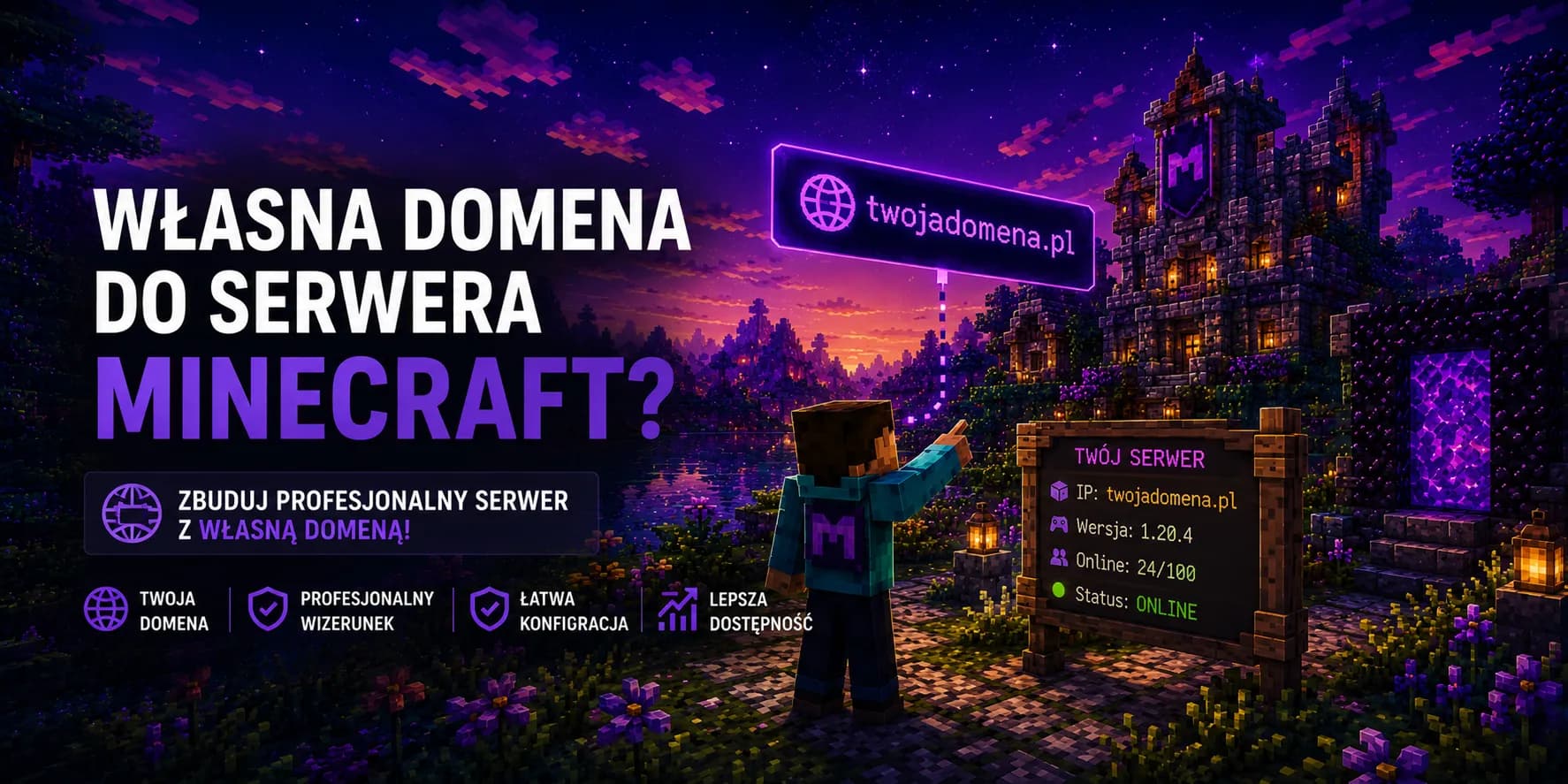
A string of digits with a colon and a port number feels temporary, even if the server has been sitting on it for months. It is hard to remember, it looks ugly on a social media banner and you have to paste it to someone every single time. A custom domain settles that for good. Instead of dictating an IP address to your friends, you hand out a short, memorable address like mc.yourserver.com and that is it. In this guide we calmly take it apart: how to hook up such an address, how an A record differs from an SRV one and why you sometimes have to wait a moment before it all clicks into place.
Why bother with a domain when the IP works
By default, players join your server using an IP address and a port number, something like 203.0.113.10 with 25565 tacked on the end. It works, but it has a few weak spots. Such an address is unfriendly, easy to get wrong, and if you ever change the machine or the provider, everyone ends up with an outdated number and you have to send out the correct one all over again. A domain takes that worry off your plate. The player always types the same address, while underneath you can repoint it wherever the server currently lives, without telling the whole community about it.
There is also the matter of image. A server with its own address simply looks more serious. It presents better on graphics, in a Discord description and everywhere you invite new people. It is a small thing that says a lot about the fact that you treat the project seriously.
Where to get a domain
Before you hook anything up, you need the domain itself, and you buy that from a registrar. There are plenty of reputable ones to choose from, where you sort out the purchase right away and get a panel for managing your DNS entries:
- OVH is a popular pick with an extensive, if slightly technical, panel. It works well when you want full control over your entries.
- Namecheap leans on simplicity and clear pricing, so you will handle the configuration even on the first try.
- Cloudflare is worth considering for its fast DNS and a tidy panel, popular with people who like things done cleanly.
A domain is a small, yearly cost
Two records that do all the work
Connecting a domain comes down to setting the right entries in the DNS system, that address book of the internet which translates names into IP addresses. It sounds serious, but in practice it is a handful of fields to fill in the panel at your domain registrar. We care about two kinds of entry, and each plays a different role:
| Record | What it does | When you need it |
|---|---|---|
| A | Points the domain at a specific IP address of your server | Always, it is the foundation of the whole puzzle |
| SRV | Hides the port number, so the player types just the domain | When your server runs on a non-standard port, not 25565 |
Stick with the A record
Root domain or subdomain
Before you start configuring, it is worth deciding which address the server should run under. You have two paths. You can use the domain itself, that is yourserver.com, or carve out a separate subdomain for the server, along the lines of mc.yourserver.com or play.yourserver.com. The second option is usually handier, because you leave the root domain for a website, a shop or whatever else, and the game gets its own, readable corner. You create the subdomain in the same DNS panel, simply by typing its name into the entry field.
A subdomain costs nothing
Connecting the domain step by step
The whole operation happens in the DNS panel where you bought the domain. Field names differ a little between registrars, but the meaning is the same everywhere. Below we walk through it from the start, assuming the subdomain mc.yourserver.com:
- 1
Check your server address and port
You will find them in the hosting panel. You need the exact IP address and the number of the port the server listens on. With us, both of these are stated plainly in the panel, no digging required. - 2
Open DNS management for your domain
Log in to your account at the domain registrar and open the section with DNS records. It is usually called the DNS zone, DNS editing or simply records. - 3
Add an A record for the subdomain
Create a new entry of type A. In the name field type mc, and in the value field the server IP address. That way mc.yourserver.com starts leading straight to your machine. - 4
Add an SRV record if your port is unusual
When the server sits on the standard port 25565, you can skip this step. If the port is different, the SRV record makes players type just the domain without adding the number. We describe the details below. - 5
Save the changes and give them a moment
Once saved, the entries do not work worldwide right away. DNS changes spread gradually, more on that shortly. Usually a dozen or so minutes is enough, sometimes you have to arm yourself with patience for longer. - 6
Test the address in the game
Finally, add the server to your list in Minecraft under the new address and try to join. If it lets you in, the job is done. If not, take a look at the section on the most common slip-ups.
How to set the SRV record correctly
The SRV record tends to be the spot where beginners get lost, so let us lay it out calmly. Its only task is to tell the game which port to knock on when the player types just the domain. Thanks to that nobody has to remember the ending with the number. In the entry fields you always give the same pattern, only your name and port change:
| Field | What to enter | Example |
|---|---|---|
| Service | The fixed Minecraft service name | _minecraft |
| Protocol | Always TCP | _tcp |
| Name | The subdomain the server runs under | mc |
| Priority and weight | With a single server it does not matter | 0 and 0 |
| Port | The port number of your server | 25566 |
| Target | The full address the A record points to | mc.yourserver.com |
SRV does not replace the A record
Bedrock plays by slightly different rules
Why the address does not work straight away
If the address does not let you in right after saving the entries, do not panic and do not delete anything. That delay is down to DNS propagation. New entries have to spread across servers around the world, and those hold the previous information for a time set by the TTL parameter. Until the old version expires for them, some players may still see the earlier state. That is normal and temporary. Usually we are talking about a dozen or so minutes, but in extreme cases it can take up to a full day.
Set a lower TTL before changes
The most common slip-ups when connecting a domain
- Putting the wrong IP in the A record or a typo in the number. The address then leads nowhere and the game reports no connection.
- Setting up an SRV record alone without the accompanying A record. Without the latter the target has nothing to refer to.
- Giving a different port in the SRV than the one the server actually runs on. The game then knocks on a closed door.
- Impatience and deleting correctly set entries before DNS had a chance to spread. Usually waiting was all it took.
- Testing the address with the old port tacked on, even though the SRV was meant to hide it. Type just the domain, no ending.
- Confusing the subdomain with the entry name, which makes the address come out doubled, like mc.mc.yourserver.com.
Quick FAQ
Do I have to buy a domain to have a nice address?
Not always. With us, the server comes with a free subdomain, so you get a friendly address right away without spending a penny. You only connect your own, purchased domain once you care about a fully individual name and full control over the entries.
Will the domain address stop working after I move the server?
No, and that is exactly the point of this whole solution. When you move the server to another machine, you only correct the IP in the A record, and the address players know stays the same. You do not have to send anyone a new number.
How many subdomains can I attach to one domain?
In practice as many as you need. You create each subdomain as a separate DNS entry, so you can easily lead several addresses to different servers or different services, all under one banner bought a single time.
Launch a server with a ready address in minutes
Take a package with a ready address and a free subdomain, and if you have your own domain, you can hook it up in the panel in minutes. Protection against DDoS attacks and fast servers on AMD Ryzen included. We take the technical rest off your hands.