Minecraft 26.2 “Chaos Cubed” released: what is new and how to update your server
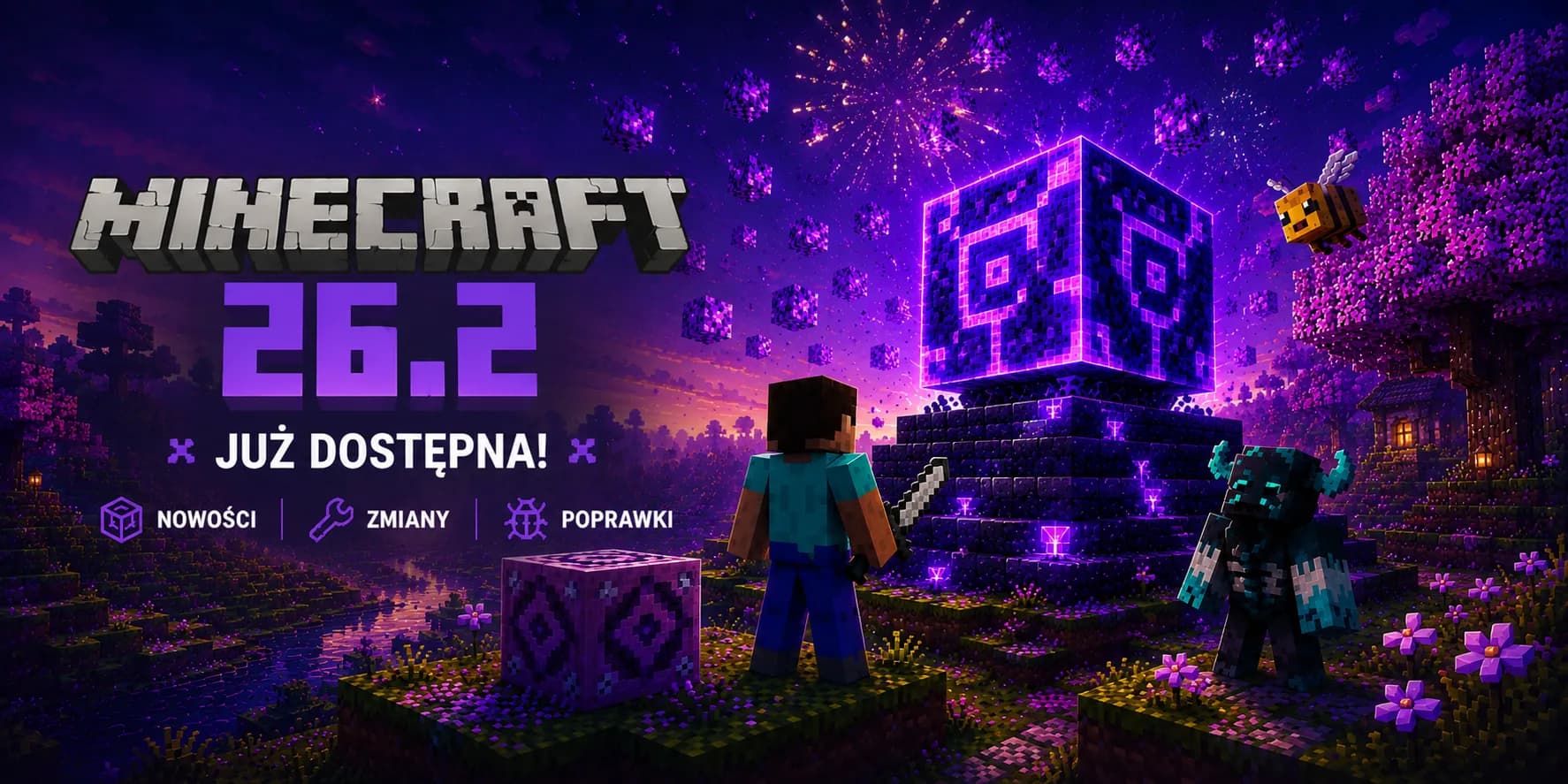
It is official. Minecraft 26.2, the “Chaos Cubed” drop, is out. Mojang shipped the stable build on 16 June 2026. After a run of snapshots and five pre-releases, the update is no longer a test build and has landed on the shelf of ready-to-play versions. In our earlier posts we advised leaving your production world alone. That advice now changes. You can update, we just want to do it so you do not wake up to an empty world and an angry community.
What finally made it into “Chaos Cubed”
Before the server part, a quick recap of what players actually get in the full version. The heart of the update is still the new underground biome, the sulfur caves, but only now does it all come together:
- A full block family: sulfur and cinnabar now have a complete set of variants. Stairs, slabs, walls, polished versions, bricks with their own stairs and slabs, and chiseled forms. Plenty to build with.
- Sulfur Cube in its final form: this slime-like mob now has twelve archetypes depending on the block it absorbs. Some slide, some bounce, and a few can explode. Killed, it splits into two smaller cubes, and you can feed those slimeballs to grow them back up.
- Potent sulfur geysers: a potent sulfur block placed over magma underwater forms a geyser that launches everything upward roughly every 50 seconds. Add sulfur spikes that drop on careless players.
- New music: the “Bounce” disc by fingerspit, found in the sulfur caves, plus a few fresh background tracks. A small thing, but it sets the mood.
The friends list, or shared play straight from the menu
One of the biggest additions outside the world of blocks is the friends list. A Friends button now sits on the title screen and in the pause menu (bound to O by default). You can send requests, see whether someone is offline, online or in a world, and control who sees your status. Notifications in the corner let you know when a friend hops in.
It is convenience, not a server replacement
The Vulkan renderer arrives officially
Alongside “Chaos Cubed”, the graphics options gained an experimental Vulkan renderer. On hardware that supports it, it can improve smoothness, and where it is missing the game falls back to OpenGL on its own. On macOS, Vulkan runs through a translation layer to Metal. This is a client-side change, so it does not affect the server configuration itself, but it is worth knowing about, because some of your players will ask which option to pick.
In practice: if someone’s game stutters after moving to 26.2, suggest switching the graphics backend in the settings. The default mode is chosen automatically, so most people will not have to touch anything here.
What a server owner must check before updating
Here is where it gets concrete. Beneath the new mobs and blocks sit a few technical requirements that decide whether the server will even start on the new version. We gathered them in one place:
| Parameter | Value in 26.2 | Why it matters |
|---|---|---|
| Minimum Java | Java SE 25 | On an older runtime the server will not boot. Check this first. |
| Data pack format | 107.1 | Your own datapacks may need the header number bumped. |
| Resource pack format | 88.0 | Textures and resource packs have to be aligned to the new format. |
| Protocol version | 776 | Client and server must be on the same game version, or players will not connect. |
Plugins and engines are still the bottleneck
A stable release does not mean the whole add-on ecosystem is ready the same day. If you run Paper, Spigot or a similar engine, wait for a build marked compatible with 26.2 before you move your world over. The same goes for your key plugins. A single un-updated add-on can break the server start or quietly spoil play, so it is better to tick the list off in advance than to put out a fire afterwards.
On hosting, Java is a dropdown away
Is now a good moment to update?
This time the answer is: yes, but sensibly. With “Chaos Cubed” now stable, the main reason to wait disappears, namely the risk of constant changes between test builds. What remains is plain caution. Updating the game is still the moment when it is easiest to break something, especially when older plugins or elaborate maps are involved.
- Make a fresh backup before you touch anything. It is the one thing you really must not skip.
- Review your plugins and datapacks for 26.2 compatibility before swapping the version on production.
- Warn your community that maintenance is coming, so nobody hits a closed server in the middle of the evening.
Order makes the difference
Migrating to 26.2 step by step at MineHost
- 1
Secure the world with a backup
Open the panel and make a backup before changing anything. If the update goes wrong, you return to this state with one click. - 2
Check add-on readiness on a copy
Spin up a test on a separate instance or world copy and set it to 26.2. Verify plugins, datapacks and textures without risking your main game. - 3
Pick the game version and Java
Once the add-ons are ready, set a version compatible with 26.2 and the Java SE 25 runtime in the panel. That is the baseline for the server to start at all. - 4
Switch production and watch the first evening
After a successful test, update the main server and stay around during the first player session. That is when you will spot fastest whether anything still needs a fix.
Just starting out with servers?
Run a server ready for Minecraft 26.2
Set the game and Java version from the panel in seconds, and make a backup with one click before every update. Add steady Anti-DDoS protection on top, so jumping onto “Chaos Cubed” is exciting rather than nerve-racking.